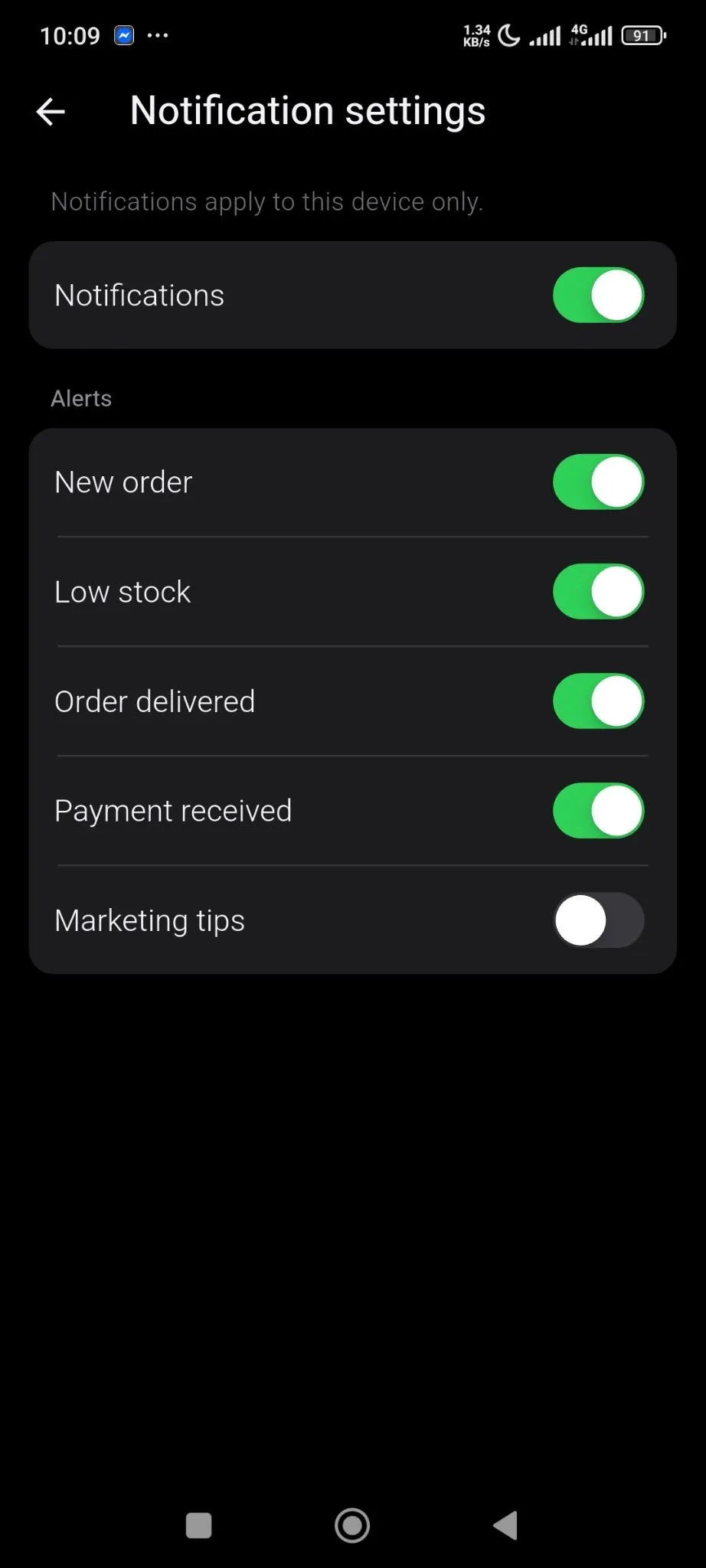
Notification Settings
You can enable what type of notifications you would like to receive from your store using the Sellbuddy App.
From the settings option, click on the Notifications Settings option-
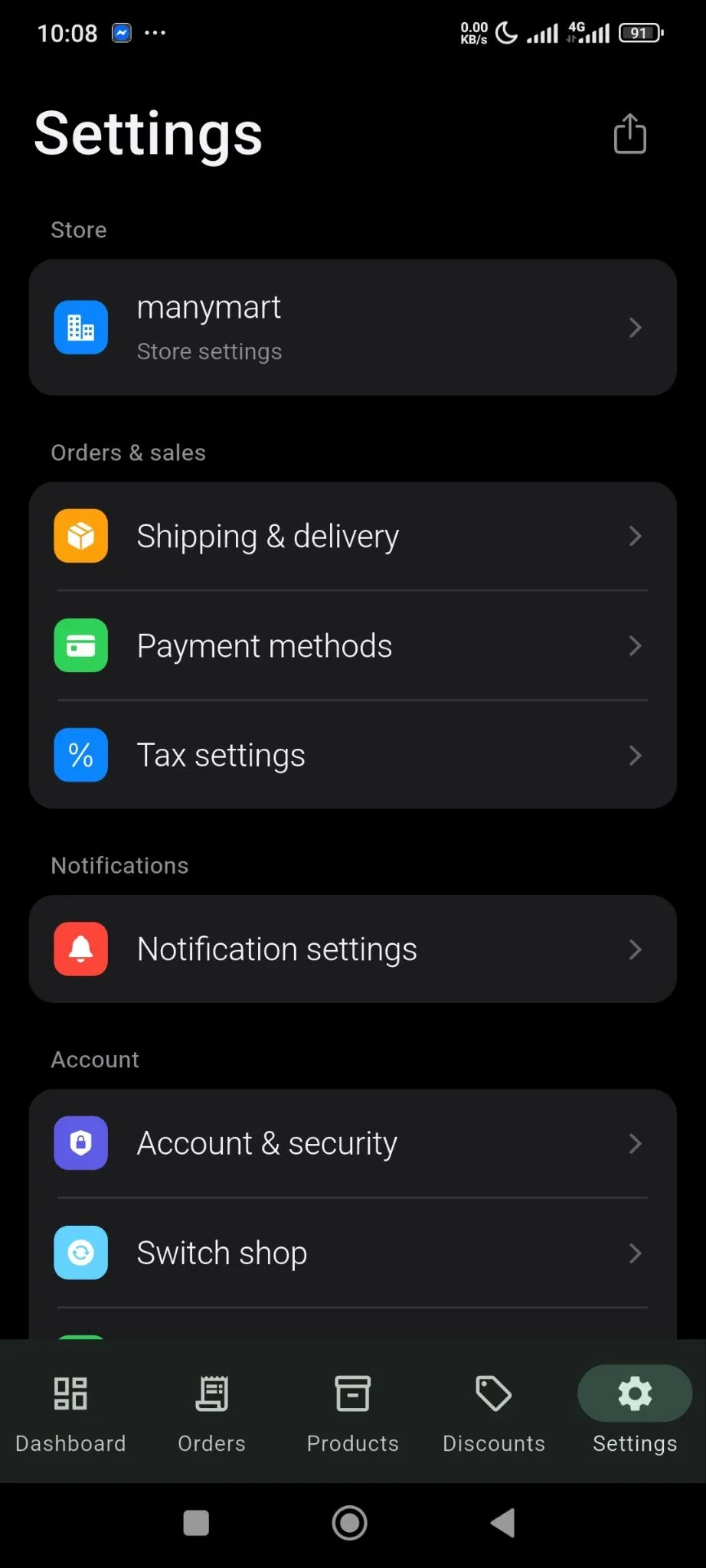
There you will find all the default notification options. Enable the ones you need-
- Notifications
- New Order
- Low Stock
- Order Delivered
- Payment Received
- Marketing Tips.