

Order Management
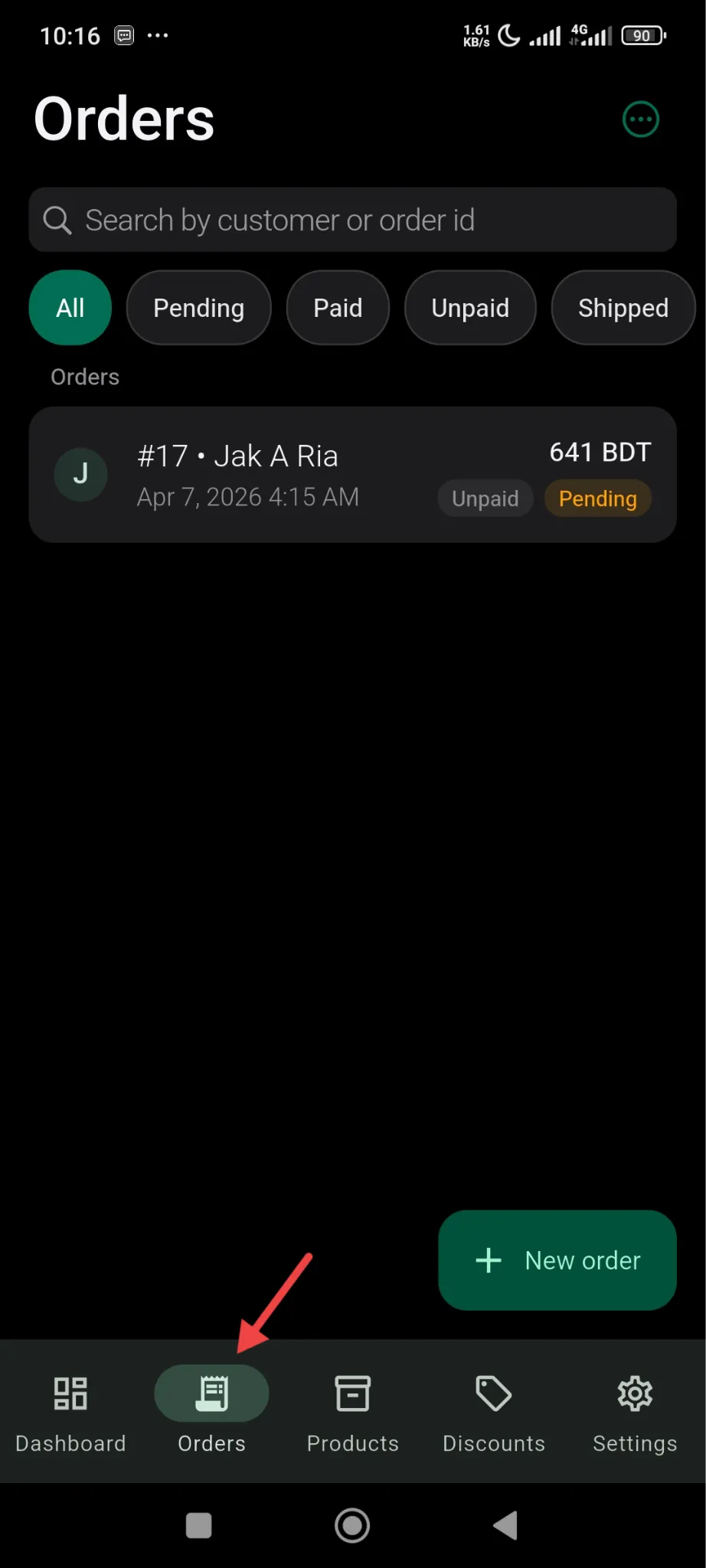
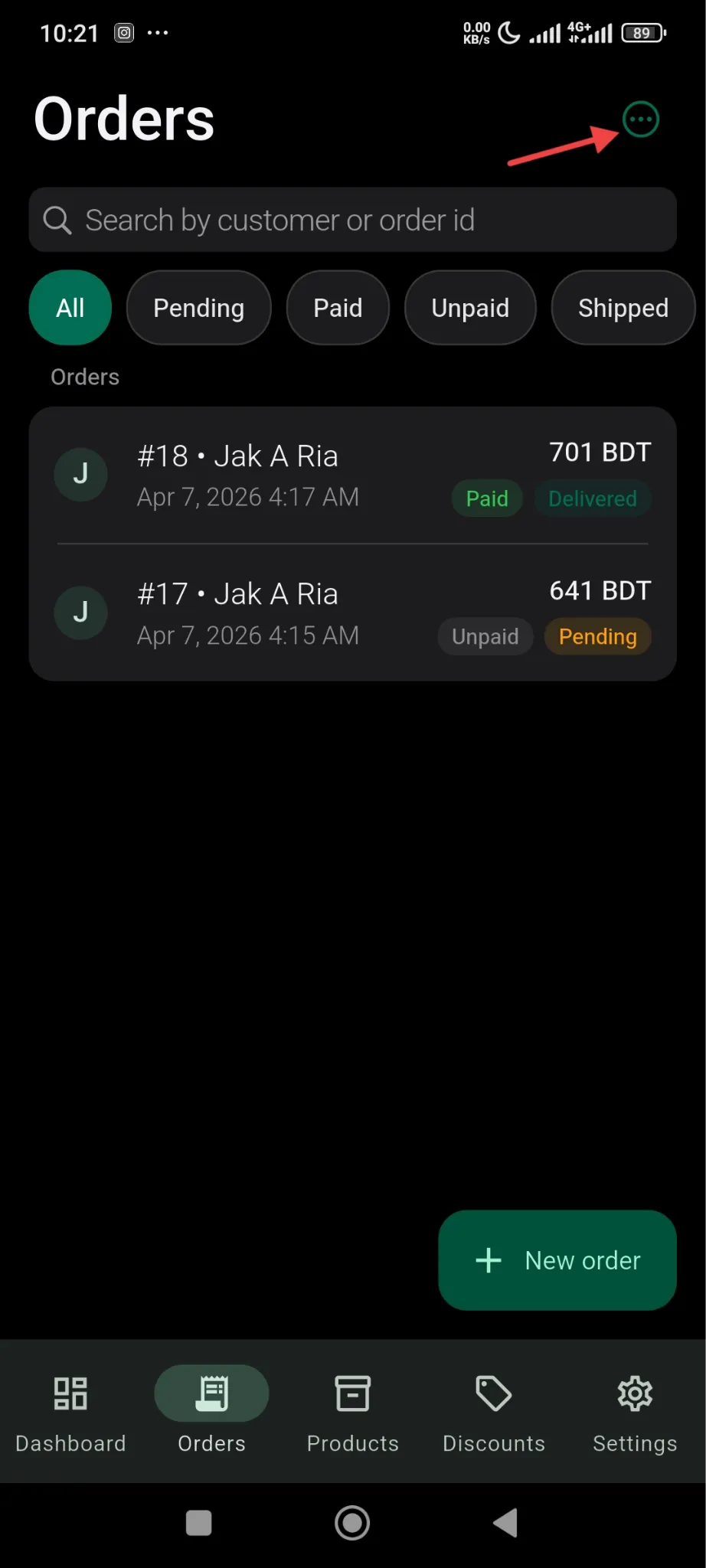
Managing orders is very easy with the SellBuddy app. You will find all your orders in the menu below-
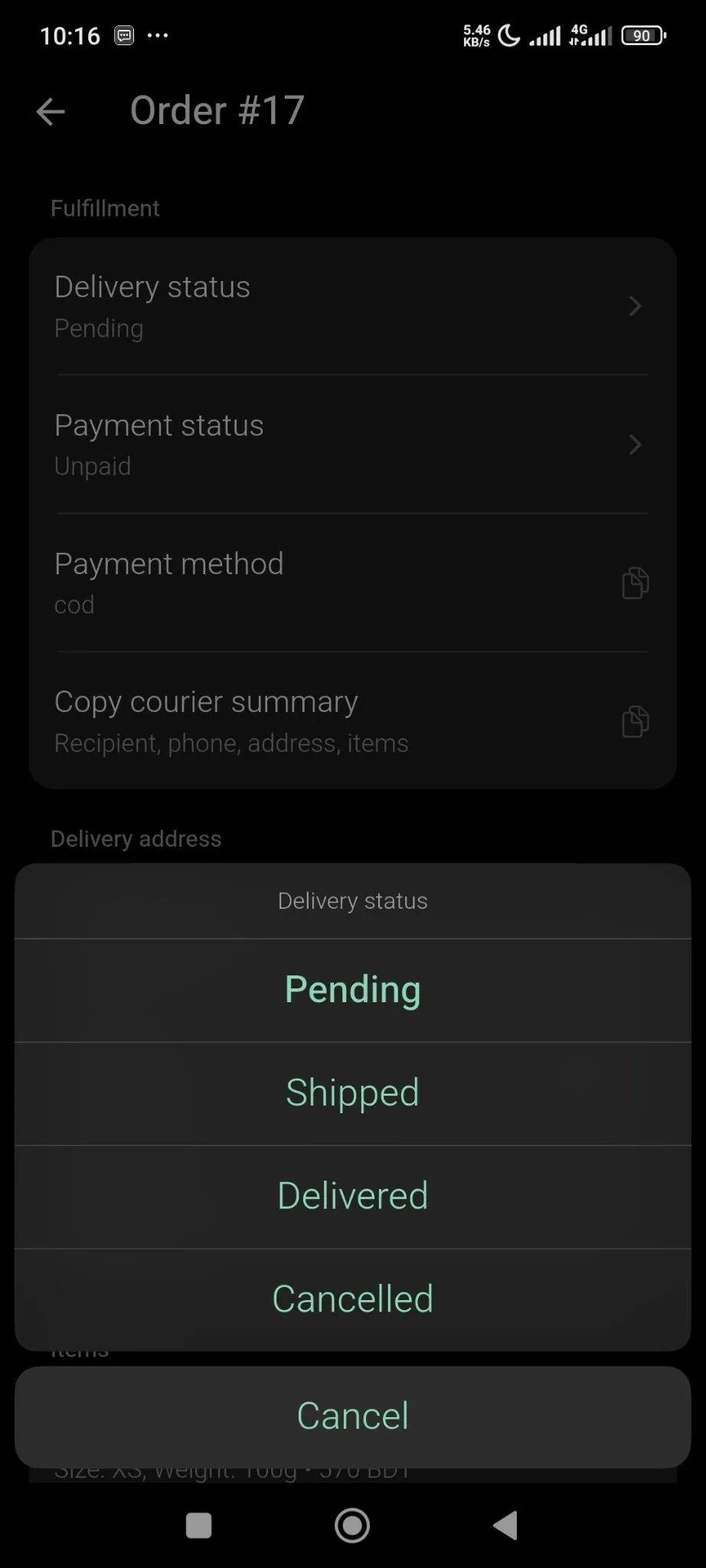
If you click on any particular order, you will get all the details of that order like you can edit the delivery status-
You can see the delivery address-
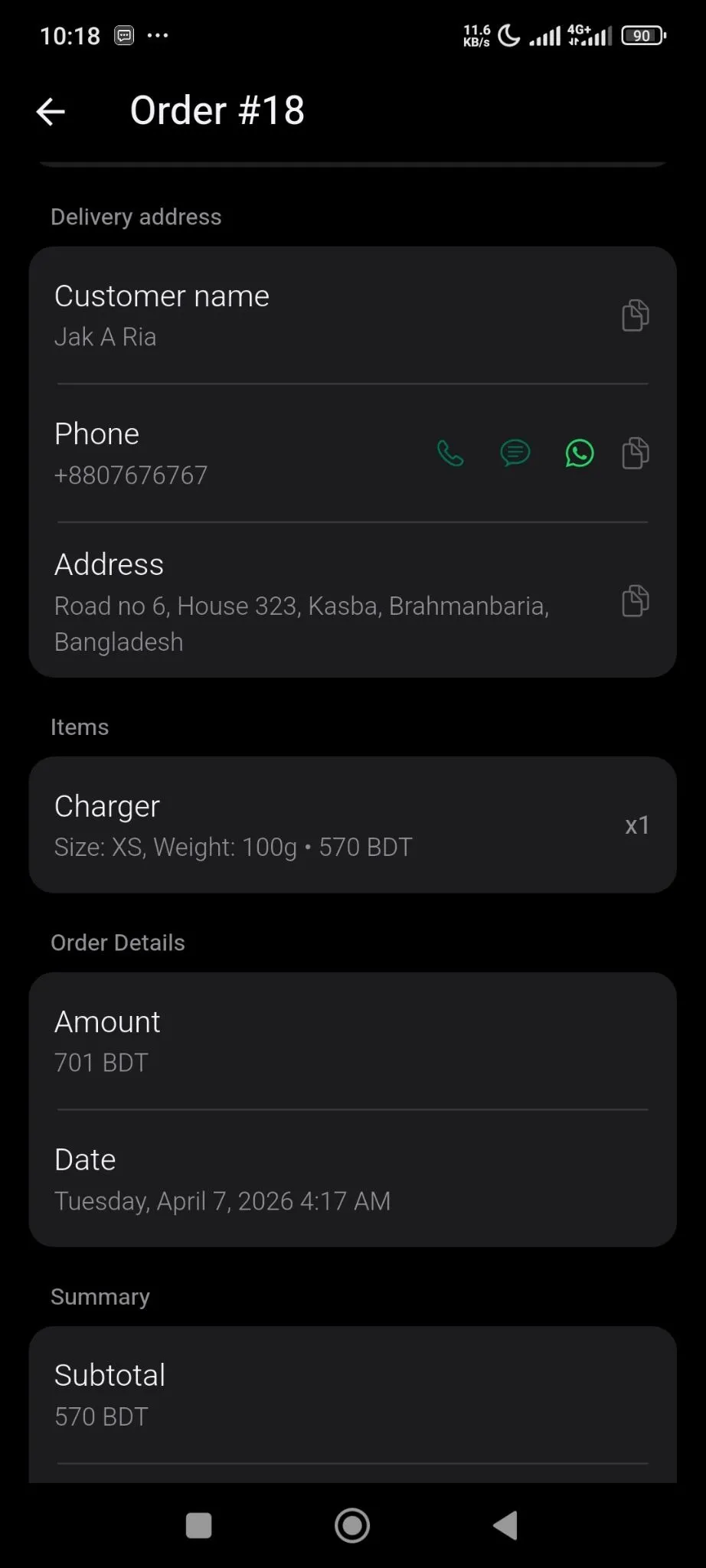
If you want you can contact your customer through phone, Whatsapp, SMS as well.
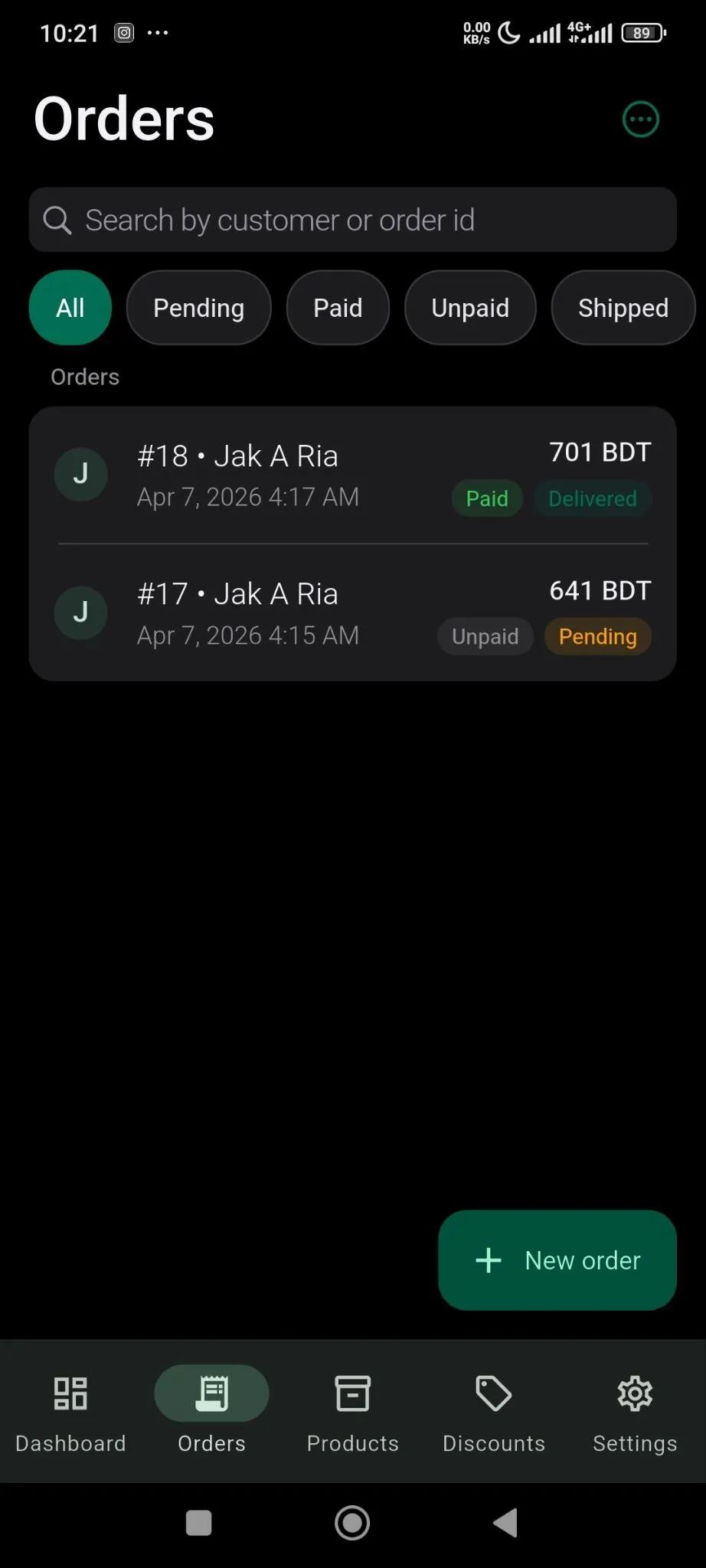
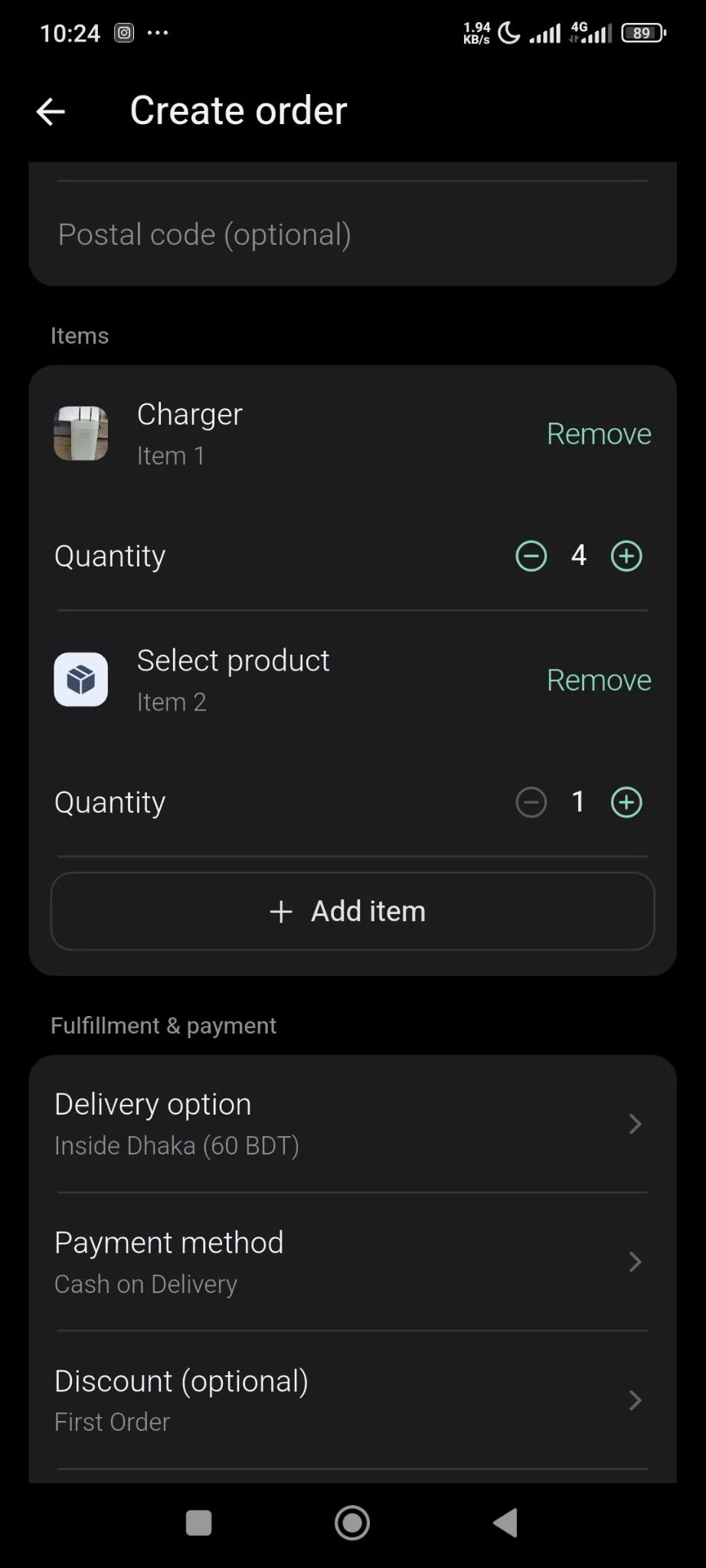
If you want you can create order manually by clicking on the New Order button and add items manually. You need to add all the details manually as well.
Customer Information
Section titled “Customer Information”To get customer information just click on the logo from the order section like below-
You will see all the customer details-
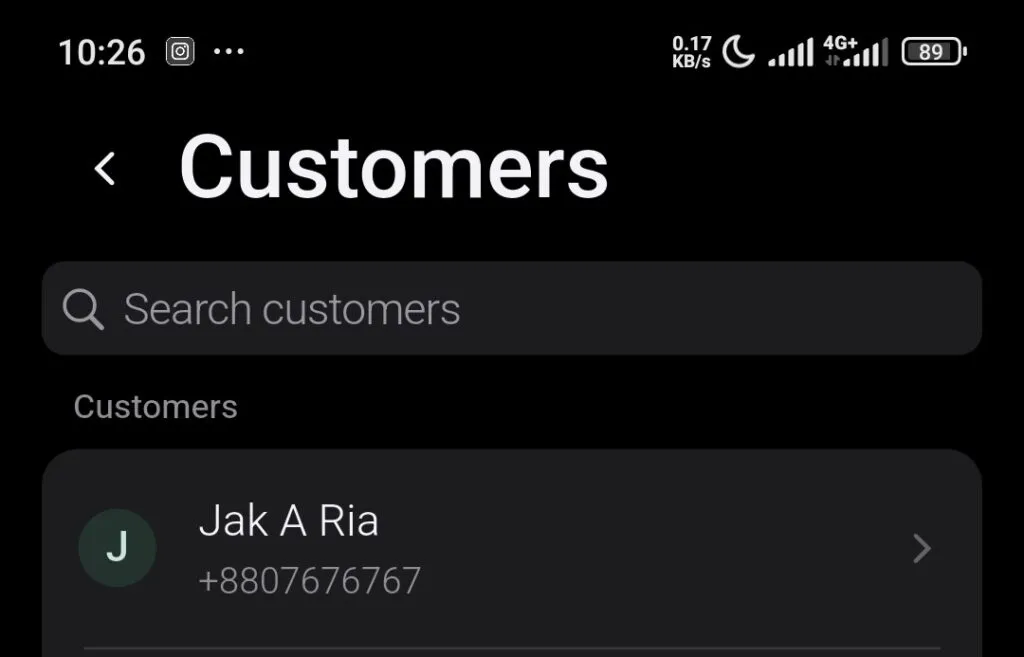
Click on the customer name to see the details.